The deciding question when choosing purchasing software for small business use is how much process you can afford to add. Ten people do not need a procurement department, but they do need to know who approved a purchase and whether the budget had room. The wrong tool either costs more than the spend it controls or sits unused because requesting feels like paperwork.
We ranked 10 options for purchasing software for small business teams on five weighted criteria: entry cost and pricing clarity (30), request, approval and budget control (25), setup effort and stated go-live (20), QuickBooks and Xero fit (15) and room to grow (10). Facts come from vendor home, pricing and product pages read on October 30, 2026, and our scoring rules are public.
What is the best purchasing software for small business in 2026?
ProcureDesk is the best purchasing software for most small businesses in 2026, scoring 8.6 out of 10 for a plan built for teams under 100 people on QuickBooks or Xero, with 10 users included. Precoro (8.5) suits growing multi-site teams, and Spendwise (8.3) has the lowest published entry price at $9 per user a month.
| # | Tool | Type | Best for | Score |
|---|---|---|---|---|
| 1 | ProcureDesk | Purchasing and AP platform | Teams under 100 people on QuickBooks or Xero | 8.6 |
| 2 | Precoro | Procure-to-pay platform | Small teams across projects or locations | 8.5 |
| 3 | Spendwise | Purchasing and AP software | Very small teams that want a low per-user price | 8.3 |
| 4 | Zoho Procurement | Procurement app in Zoho Spend | Teams with many requesters and few buyers | 8.1 |
| 5 | ProcurementExpress | Purchase order software | Nonprofits and grant-funded teams | 8.0 |
| 6 | Ramp | Spend platform with a procurement add-on | Teams that already pay by Ramp card | 7.9 |
| 7 | Procurify | Purchasing platform | Growing teams that want unlimited requesters | 7.6 |
| 8 | Tradogram | Configurable procurement software | Teams that want a $99 starting plan and mobile apps | 7.4 |
| 9 | Order.co | Purchasing and payments platform | Multi-location shops buying the same supplies | 7.0 |
| 10 | Fraxion | Spend management platform | Companies heading into the mid-market | 6.6 |
Our pick
ProcureDesk
ProcureDesk is the only vendor in this list whose pricing page names a plan for companies under 100 employees on QuickBooks or Xero. Startup costs $830 a month billed annually with 10 users included, a stated go-live of 2 to 3 weeks and a 30-day money-back guarantee.
Suite, module or point tool?
Most small businesses should pick a point purchasing tool such as ProcureDesk, Precoro or Spendwise, because a full suite adds sourcing and contract modules they will not use. Pick a module such as Zoho Procurement or Ramp’s add-on when your team already runs that vendor’s apps. Suites only make sense once you outgrow these.
Suite, module or point tool?
| Your situation | Lean toward | The question to ask |
|---|---|---|
| Under 10 people and a few purchases a month | Spendwise, Zoho Procurement | Which plan holds approval limits and budgets |
| Under 100 people on QuickBooks or Xero | ProcureDesk, Precoro | Which accounting sync each plan includes |
| Cards and bill pay already run on Ramp | Ramp | What the procurement add-on costs |
| Grant money or nonprofit rules on spend | ProcurementExpress, ProcureDesk | Whether a nonprofit price applies |
| Several sites ordering the same supplies | Order.co, Precoro | How catalogs and budgets work per location |
| Growing toward NetSuite or Sage Intacct | Procurify, Fraxion, ProcureDesk Growth | What the move to a bigger plan costs |
In practice, your accounting system and your headcount narrow this list faster than any feature tour does.
Which small-business purchasing tools fit a small team?
Among purchasing software for small business teams, ProcureDesk shows the most small-team marks on its own pages, from a public price and money-back guarantee to accounting sync and a stated go-live. Spendwise and Zoho Procurement have the lowest entry prices. Procurify, Order.co and Fraxion publish no price, which counts against them for a small budget.
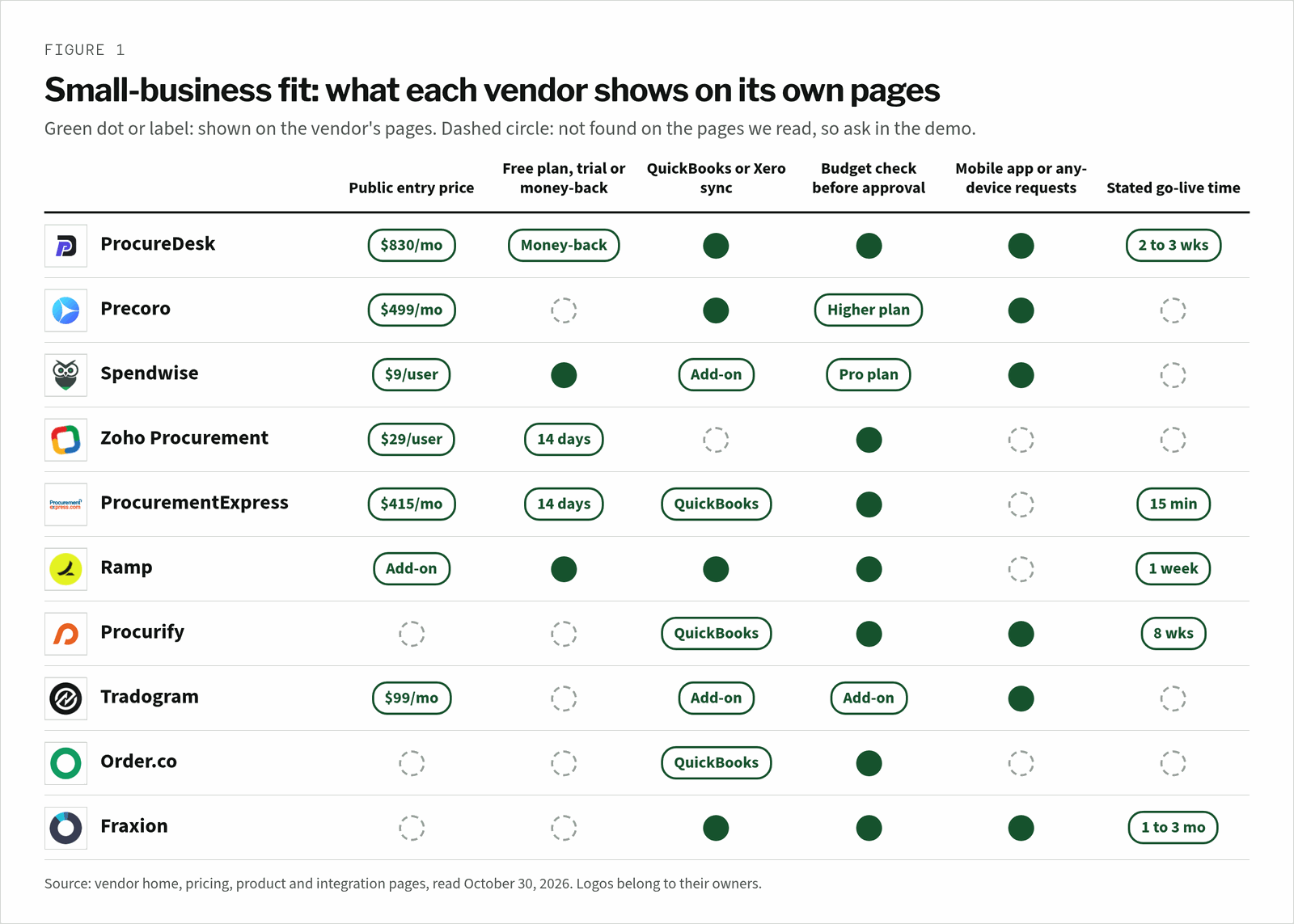
A dashed circle is a demo question, not a verdict. Zoho Procurement, for example, may sync with your accounting tool through other Zoho apps, so ask each vendor to show the sync with your own ledger.
How did we score purchasing software for small business?
Each tool earns weighted points out of 10 across five criteria, with entry cost and pricing clarity worth the most at 3 points. Spendwise scores highest on cost at 2.9, ahead of Zoho Procurement at 2.8. ProcureDesk wins overall because it pairs a published small-team plan with strong scores on setup and accounting fit.
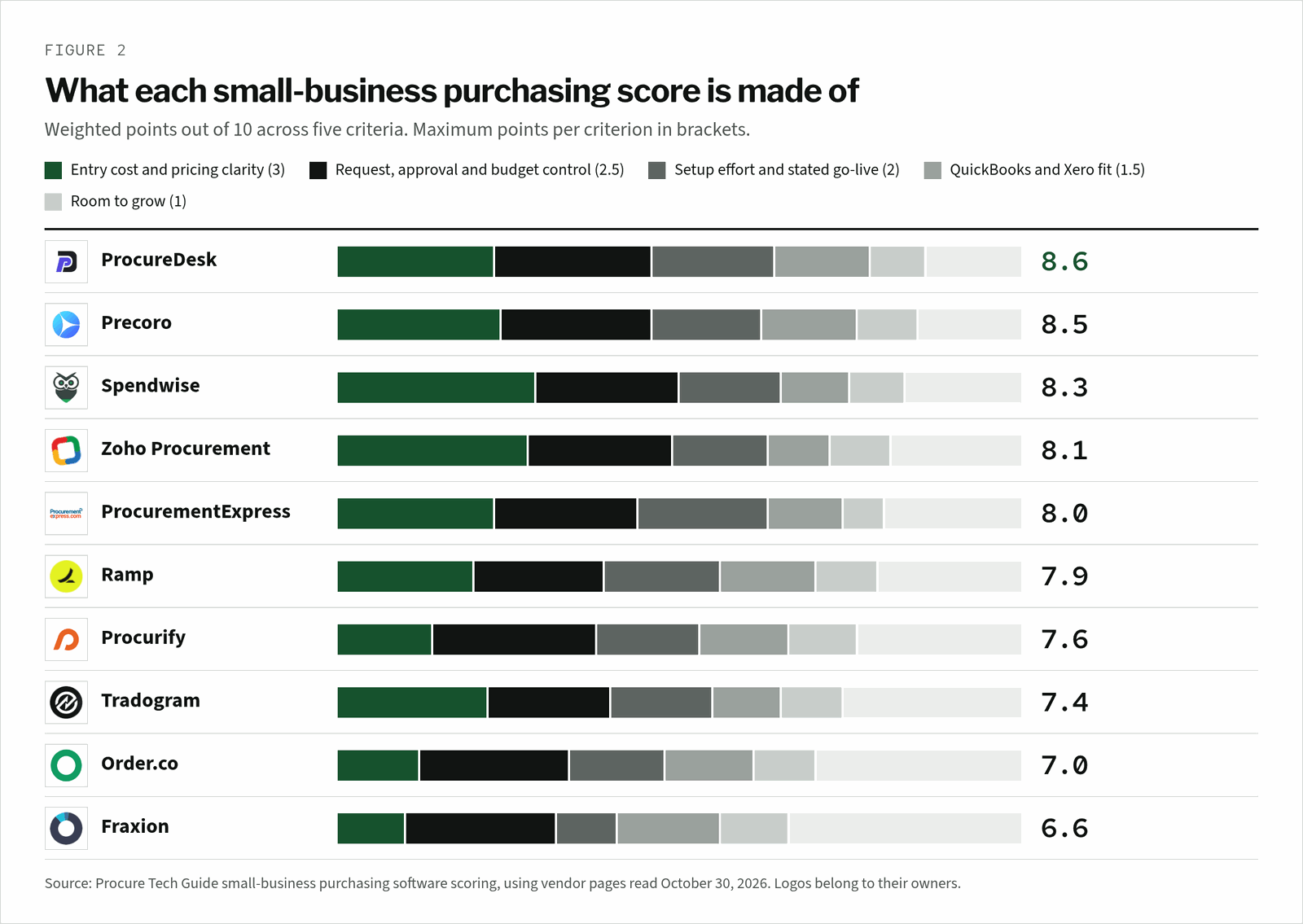
Room to grow is worth only 1 point here, by design. A small team should not pay today for the controls it might need in three years.
What does purchasing software cost a 10-person team?
For a 10-person team where everyone can raise a request, published prices run from $58 a month on Zoho Procurement to $830 a month on ProcureDesk. Spendwise Pro comes to $190 a month and Ramp Plus to $150 a month before its platform fee and procurement add-on. These are worked examples from list prices, not quotes.
| Tool | Plan and unit | Worked example for 10 people | What the example leaves out |
|---|---|---|---|
| Zoho Procurement | Premium, $29 per user/month, billed annually | 2 buyer licenses x $29 = $58/month; 8 requesters use free requester licenses (50 per user license) | Taxes and any other Zoho Spend modules |
| Ramp | Plus, $15/month per user | 10 x $15 = $150/month | A platform fee by team size and the procurement add-on, neither published |
| Spendwise | Pro, $19 per user/month (minimum 5 users) | 10 x $19 = $190/month | Implementation and accounting integrations are optional add-ons |
| ProcurementExpress | Basic, $415/month | $415/month if you manage up to $10k of spend a month | Better at $900/month covers up to $1m a month and Amazon punch-outs |
| Precoro | Core, from $499/month, billed annually | $499/month | How many users Core includes is not stated |
| ProcureDesk | Startup, $830/month, billed annually | $830/month ($9,960/year), 10 users included | $20/month for each user after 10 |
| Tradogram | Essentials, $99/month | $99/month plus a per-user fee | The additional user fee, and requisitions and budget tracking as add-ons |
| Procurify, Order.co, Fraxion | Quote based | No public price | Ask for a quote with your user count |
The line item to watch is the seat count. Zoho is cheap here because only two people pay for a license, while Spendwise and Ramp charge for every user who logs in.
The best purchasing software for small business, reviewed one by one
Each review covers who the tool suits, where its pricing starts, one standout fact and the watch-outs we found. The screenshot shows each vendor’s home page as a buyer first sees it. Tools appear in score order, from ProcureDesk at 8.6 to Fraxion at 6.6.
1. ProcureDesk
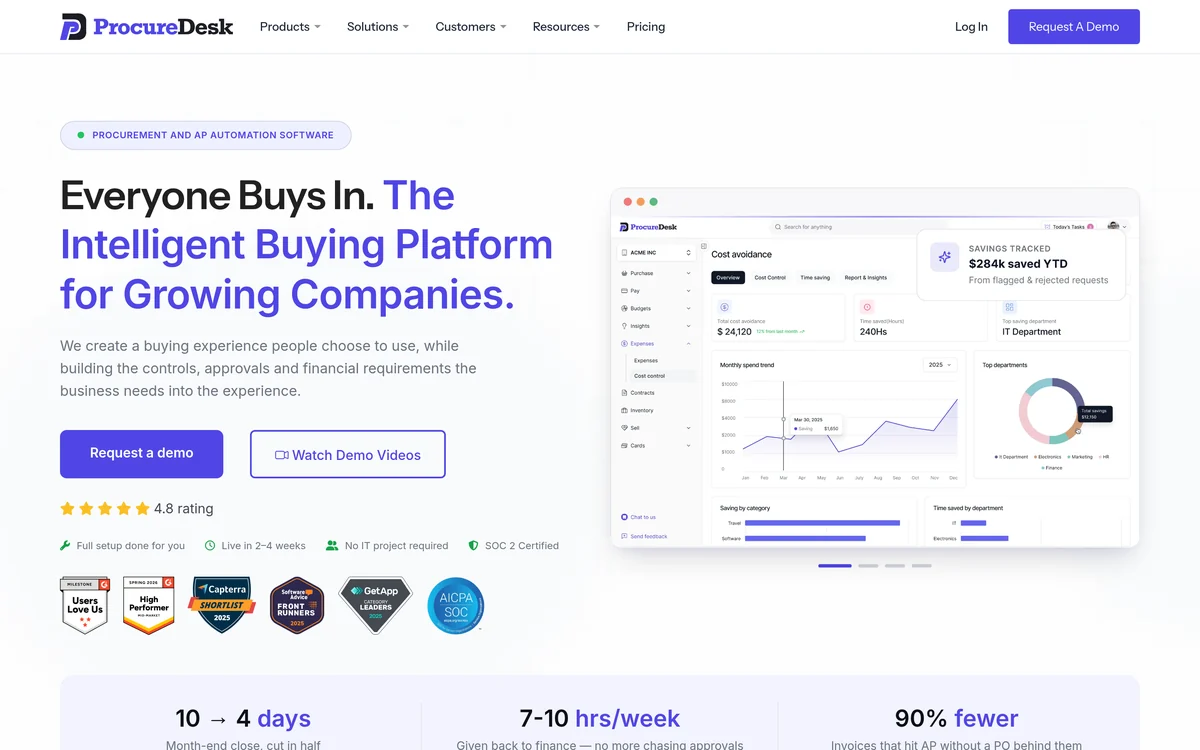
ProcureDesk’s pricing page labels Startup as best for companies under 100 employees using QuickBooks or Xero. It costs $830 a month billed annually with 10 users included and $20 a month for each extra user, and the page says teams go live in 2 to 3 weeks.
Its requisition page covers approval thresholds by level, real-time budgets and approval from the mobile app, email or web, with 150+ punch-out vendors. Growth at $1,250 a month adds NetSuite, Sage Intacct and Business Central, and nonprofits and charter schools get 15% off.
Strengths
- A plan written for small QuickBooks and Xero teams
- Stated go-live of 2 to 3 weeks
- 30-day money-back guarantee
Watch-outs
- $830 a month is steep for a very small team
- No free trial on the pricing page
2. Precoro
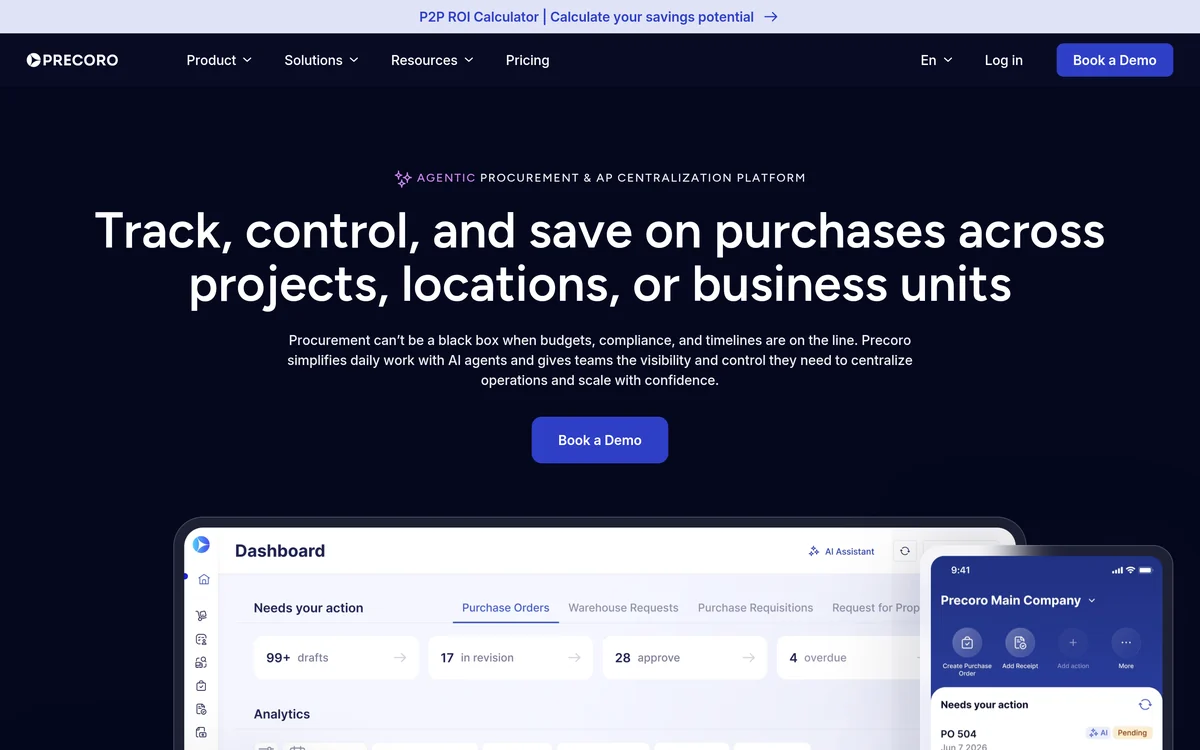
Precoro’s pricing page pitches Core at small teams with basic procurement needs, from $499 a month billed annually. Core includes purchase requests, POs, receipts, invoices, 2- and 3-way matching, automated approvals, a catalog and a mobile app.
Accounting sync with QuickBooks Online or Xero and approvals in Slack or Microsoft Teams are also in Core. Real-time budget tracking, intake, punchouts and AI agents sit on Automation at $999 a month, so a team that needs budget checks should price that plan.
Strengths
- Broad entry plan for $499
- Approvals inside Slack or Teams
- Mobile app included
Watch-outs
- Real-time budget tracking needs Automation at $999
- No stated go-live time on the pages we read
3. Spendwise
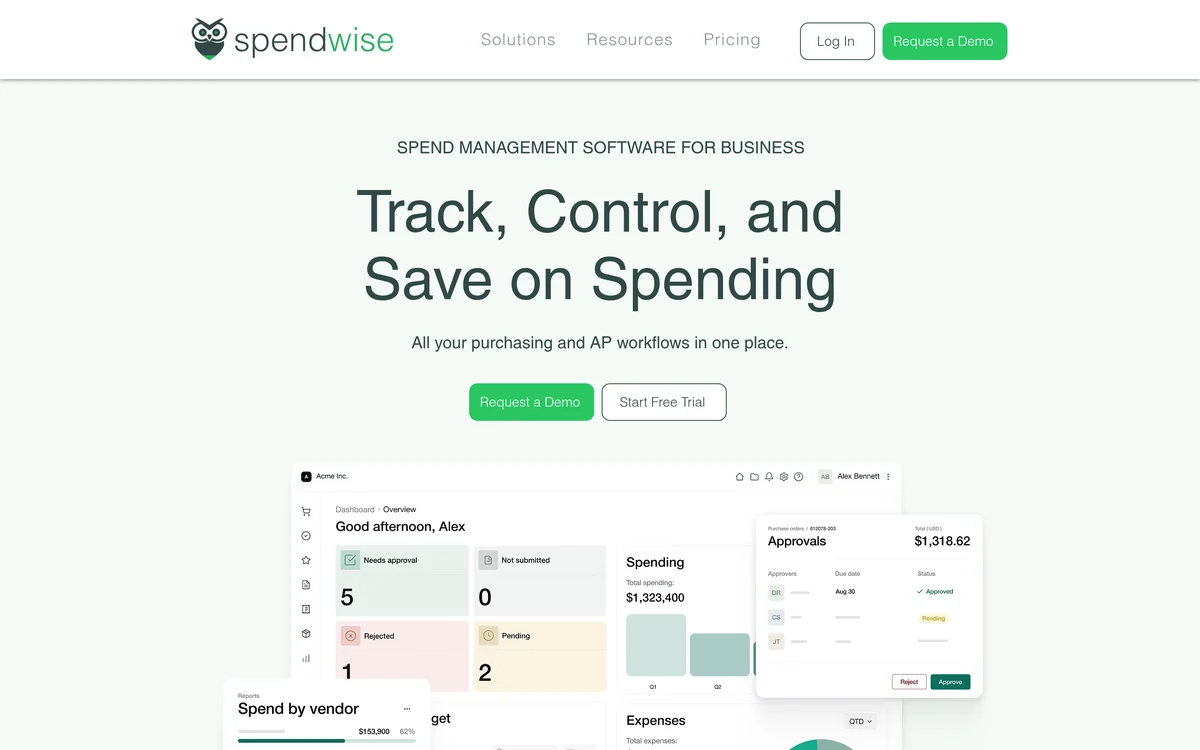
Spendwise’s pricing page sets Basic at $9 per user a month for up to 5 users and 10 transactions a month, with purchasing, receiving, AP and reports. Pro costs $19 per user a month with a 5-user minimum, and adds unlimited transactions, approval limits, workflows, budgets and custom roles.
Implementation, inventory, an Amazon integration and accounting system integrations are optional add-ons. Its home page offers a free trial and says employees can submit requests from any device, while approval routing, PO creation and accounting sync are automated.
Strengths
- $9 per user entry price
- Free trial
- Requests from any device
Watch-outs
- Approval limits and budgets need Pro
- Accounting integrations are an add-on
4. Zoho Procurement
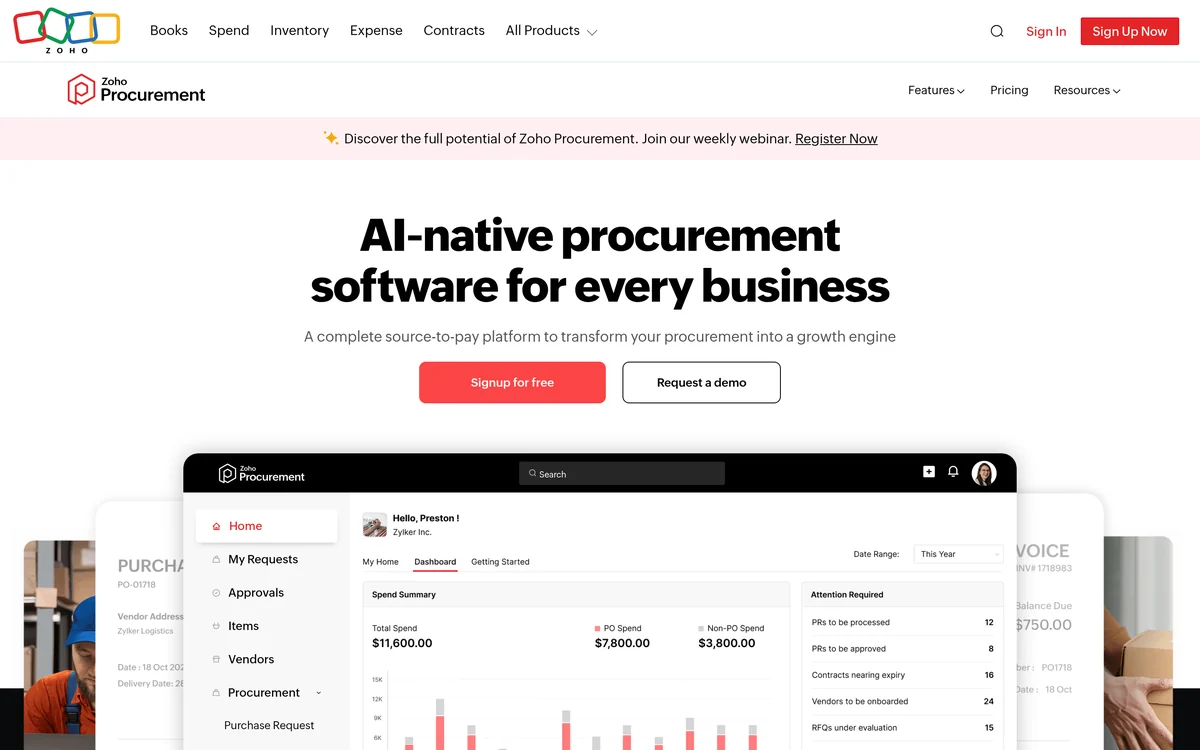
Zoho Procurement’s pricing page sets Premium at $29 and Enterprise at $59 per user a month billed annually, with a 14-day free trial. Every user license comes with 50 free requester licenses, which keeps the bill low when most staff only raise requests.
Its home page covers custom approvals, rules, budgets and audit trails, Amazon Business punch-in and punch-out, and POs generated from approved requests and RFQs. Zoho sells it alongside its own finance apps, including Zoho Books and Zoho Expense.
Strengths
- Low cost when most staff only request
- Budgets and custom approvals
- 14-day free trial
Watch-outs
- No QuickBooks or Xero sync on the pages we read
- Fits best inside the Zoho suite
5. ProcurementExpress
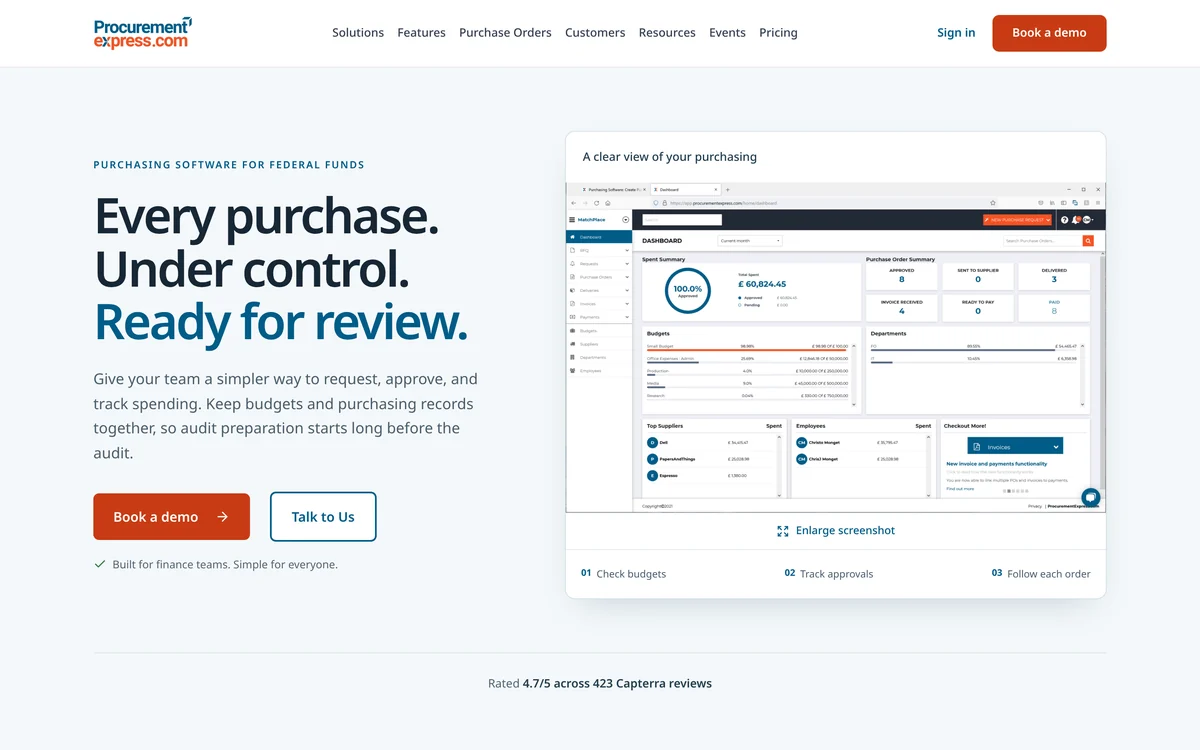
ProcurementExpress’s home page positions it as purchasing software for federal funds and says approvers can check budgets on each request. Its features page gives approvers the budget context they need when reviewing a request.
Its pricing page starts Basic at $415 a month with QuickBooks and self-service setup for up to $10k of spend a month. Better at $900 adds Sage 50 and Amazon punch-outs for up to $1m a month, with a 14-day free trial, nonprofit pricing and a claim that most organizations are running in 15 minutes.
Strengths
- 14-day free trial with no credit card
- Budget context at approval
- Nonprofit pricing
Watch-outs
- Basic caps managed spend at $10k a month
- No mobile app on the pages we read
6. Ramp
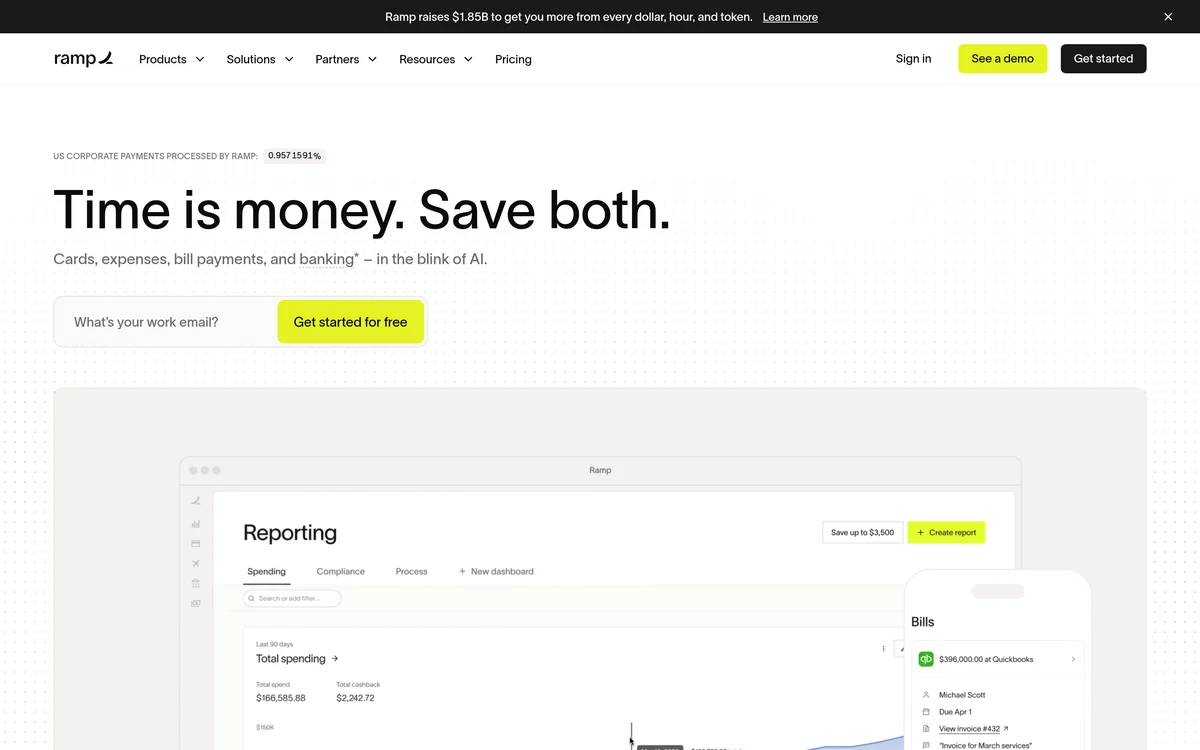
Ramp’s pricing page calls its $0 Free plan best for smaller teams, with cards, AP approvals and QuickBooks Online and Xero integrations. Procurement is an add-on to Plus or Enterprise, and Plus costs $15 per user a month plus a platform fee based on team size.
Its procurement page covers plain-language intake, approval rules by budget, department or vendor type, automated PO creation and 3-way matching. The same page says most teams are fully operational within a week, by Ramp’s own account.
Strengths
- Free plan for cards and bill approvals
- Approval rules by budget
- Stated go-live within a week
Watch-outs
- Procurement needs Plus and a paid add-on
- The add-on price is not published
7. Procurify
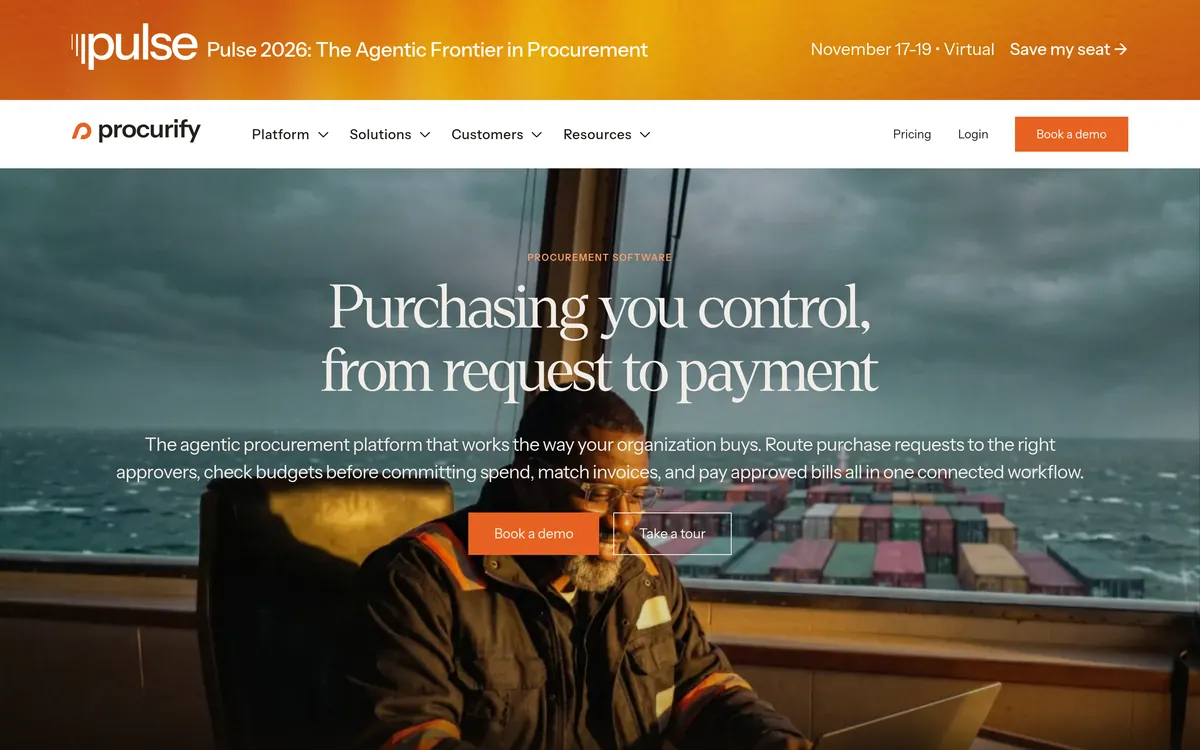
Procurify’s pricing page says unlimited Basic users can request and receive, and pricing is set by Pro users. Purchasing includes approvals, budgets, catalogs, PunchOut to Amazon Business or Staples and the mobile app, with integrations for QuickBooks, NetSuite, Sage Intacct and Dynamics 365.
Guided Intake and Contracts are add-ons. Its home page says standard implementation takes about eight weeks and 33 hours of your team’s time, which is a real cost for a team without a spare admin.
Strengths
- Unlimited free requesters
- Budgets checked before spend
- Strong room to grow
Watch-outs
- No public price
- About eight weeks to implement
8. Tradogram
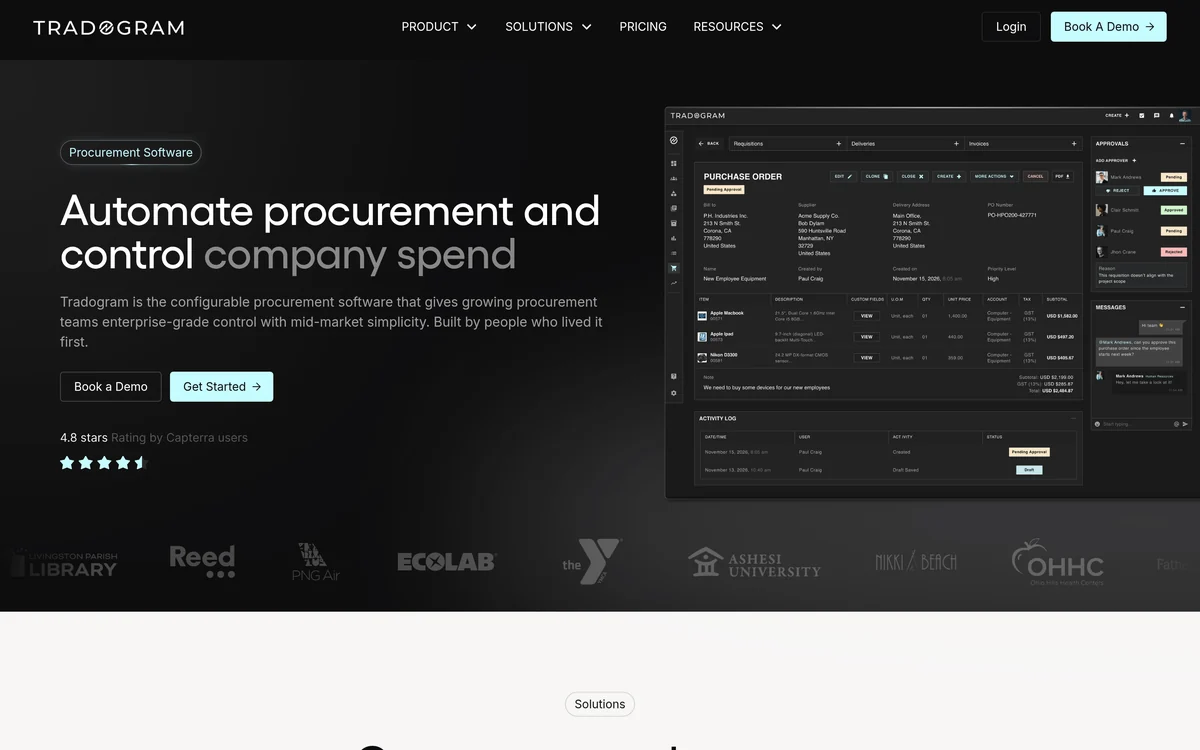
Tradogram’s pricing page sets Essentials at $99 a month for 1+ users, with an additional user fee. Essentials covers POs, supplier management, AP invoices, expenses, TradoScan AI and mobile apps for iOS and Android, and yearly billing saves 20%.
Requisitions, real-time budget tracking and custom approvals are add-ons on Essentials and included on Premium, a custom quote for 20+ users. ERP and accounting integrations and the TradoCart PunchOut are also add-ons, so the real entry price depends on what you switch on.
Strengths
- $99 starting plan
- Mobile apps on every plan
- Yearly billing saves 20%
Watch-outs
- Requisitions and budgets are add-ons on Essentials
- Accounting integrations cost extra
9. Order.co
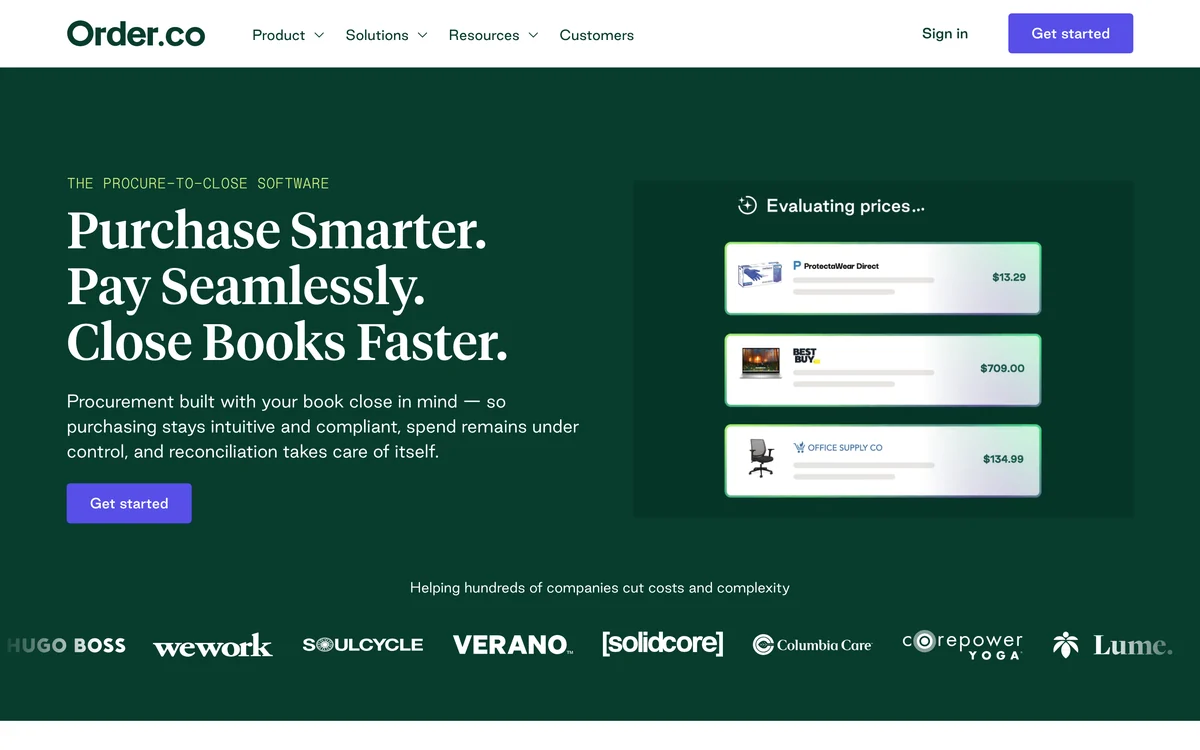
Order.co’s home page covers SKU-level pre-approvals, AI catalog management and requisitions converted into POs. It pays suppliers with vendor-locked virtual cards that track spend and enforce budgets, and lists industries such as coworking, fitness and retail.
Its accounting integrations page lists QuickBooks Online, NetSuite and Sage Intacct. We found no public price, and its pricing page returned a 404 when we checked, so plan on a sales call.
Strengths
- SKU-level pre-approvals
- Budgets enforced at the card
- QuickBooks Online sync
Watch-outs
- No public price
- No stated go-live time
10. Fraxion
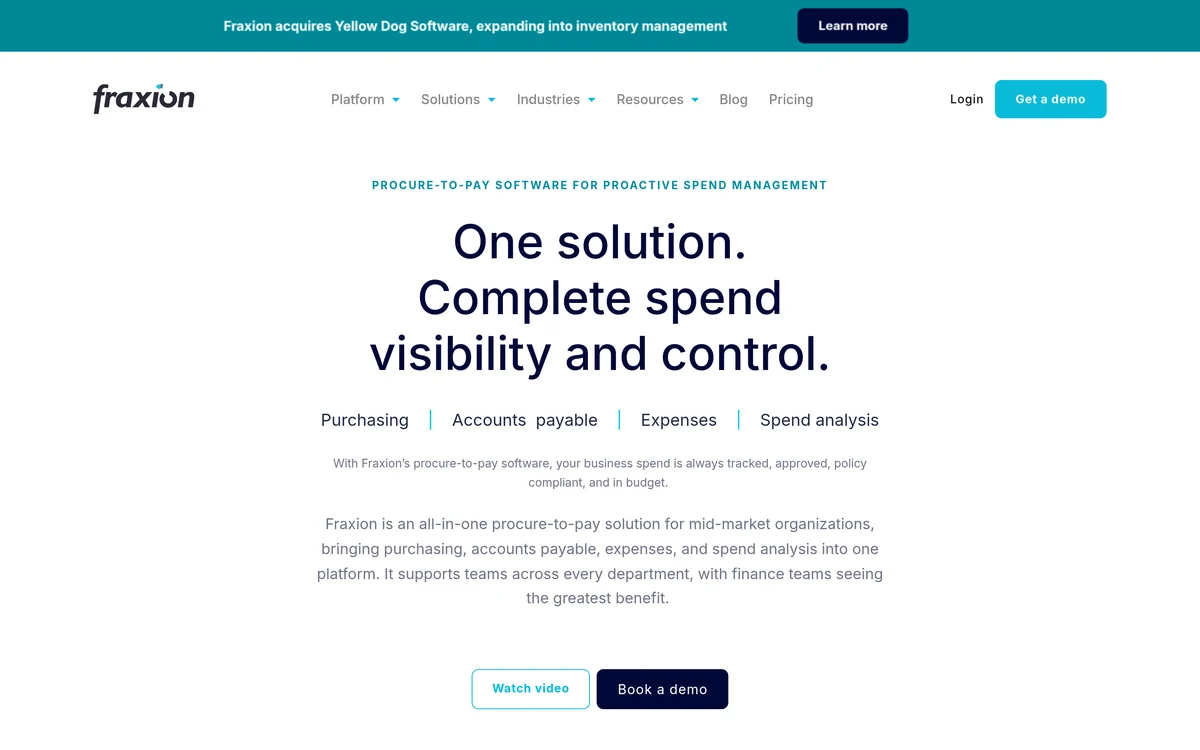
Fraxion’s pricing page says pricing depends on user count, functionality and ERP integration, describes the product as built for the mid-market, and puts implementation at one to three months. A native mobile app, 50+ PunchOut vendors and real-time budget controls are listed.
Its integrations page covers QuickBooks Online and Desktop, Xero, Dynamics Business Central, NetSuite, Sage Intacct and several Sage desktop products. Its home page says approval workflows and budget checks apply at the point of request.
Strengths
- Broad accounting coverage
- Budget checks at the point of request
- Native mobile app
Watch-outs
- No public price
- One to three months to implement
When your ERP’s own module is enough
Your accounting system’s own purchase order feature is enough when one or two people buy, one owner approves, and you rarely track budgets by department. QuickBooks and Xero can raise purchase orders, so a dedicated tool earns its cost only once requests come from several people or approvals depend on amount.
- More than a few people ask for purchases by email or chat
- Approval depends on amount, department or location
- Budget owners learn about spend only when the invoice lands
- Someone retypes approved requests into POs by hand
One of these signals usually justifies a small purchasing tool such as ProcureDesk, Precoro or Spendwise. Several justify a wider look at procure-to-pay software or the best procurement software.
Which purchasing software should a small business choose?
To choose purchasing software for small business use, start with your accounting system and the number of people who will raise requests, then price the plan that holds approvals and budgets. ProcureDesk leads overall, Precoro suits multi-site teams, Spendwise and Zoho cost the least, and Ramp suits teams already on its cards.
The verdict
- Choose ProcureDesk if you are under 100 people on QuickBooks or Xero and want a 2 to 3 week go-live.
- Choose Precoro if purchases span projects or locations and you want Slack or Teams approvals.
- Choose Spendwise if you have a handful of users and want the lowest list price.
- Choose Zoho Procurement if most staff only request and a few people buy.
- Choose ProcurementExpress if grant or nonprofit rules shape how you spend.
- Choose Ramp if cards and bill pay already run on Ramp.
- Choose Procurify, Order.co or Fraxion if you are growing fast and can take a sales-led rollout.
Teams that mainly need request control can compare the best purchase requisition software. Bigger teams can compare source-to-pay suites or read our Coupa alternatives. New buyers can start with the procurement software guide, and more guides sit in our purchase order and requisition software hub.
Frequently asked questions
What is purchasing software for small business?
Purchasing software for small business gives a small team one place to request purchases, get them approved and turn them into purchase orders. Most tools also check the request against a budget and sync the PO and invoice to QuickBooks or Xero, so the owner sees spend before it happens rather than when the bill arrives.
How much does small business purchasing software cost?
Published entry prices in this list run from $9 per user a month on Spendwise Basic and $29 per user a month on Zoho Procurement to $99 a month on Tradogram, $415 on ProcurementExpress, $499 on Precoro and $830 on ProcureDesk. Procurify, Order.co and Fraxion are quote based.
Is there free purchasing software for small business?
Ramp has a $0 Free plan with cards, AP approvals and QuickBooks Online and Xero sync, though its procurement add-on needs the paid Plus plan. Spendwise offers a free trial, Zoho Procurement and ProcurementExpress offer 14-day trials, and ProcureDesk offers a 30-day money-back guarantee.
Does purchasing software work with QuickBooks and Xero?
Most tools here sync with at least one of them. ProcureDesk, Precoro, Ramp and Fraxion list both QuickBooks and Xero, while ProcurementExpress, Procurify and Order.co list QuickBooks. Spendwise and Tradogram sell accounting integrations as add-ons, so confirm the sync is in the plan you buy.
Do small businesses need a purchase order system?
Not always. If one person buys and approves everything, the purchase orders in QuickBooks or Xero may be enough. A purchase order system starts to pay off once several people raise requests, approvals depend on amount or department, or budget owners only learn about spend when the invoice arrives.
How long does it take to set up purchasing software for small business?
Vendor timelines vary widely. ProcurementExpress says most organizations are running in 15 minutes, Ramp says most teams are operational within a week, and ProcureDesk says 2 to 3 weeks. Procurify puts standard implementation at about eight weeks and Fraxion at one to three months. Confirm the timeline in writing.