The deciding question is whether your purchasing problem starts before the purchase order or after it. What is intake-to-procure, in buying terms? It is the front half of a purchase: the request, the reviews and the approval. Procure-to-pay is the back half, from the PO to the payment, and most teams need to know which half is broken first.
This explainer is for procurement and finance leads sorting out intake-to-procure vs procure-to-pay before they talk to vendors. We read vendor definitions, product pages and pricing pages on October 31, 2026, and our editorial rules are public. For the wider category, see our intake and orchestration hub.
What is intake-to-procure?
Intake-to-procure is the process that captures, routes and approves purchase and supplier requests before a purchase order is created. Employees ask in one place, the request collects the right details, and security, legal and finance review it in order. The output is an approved request that is ready to become a PO.
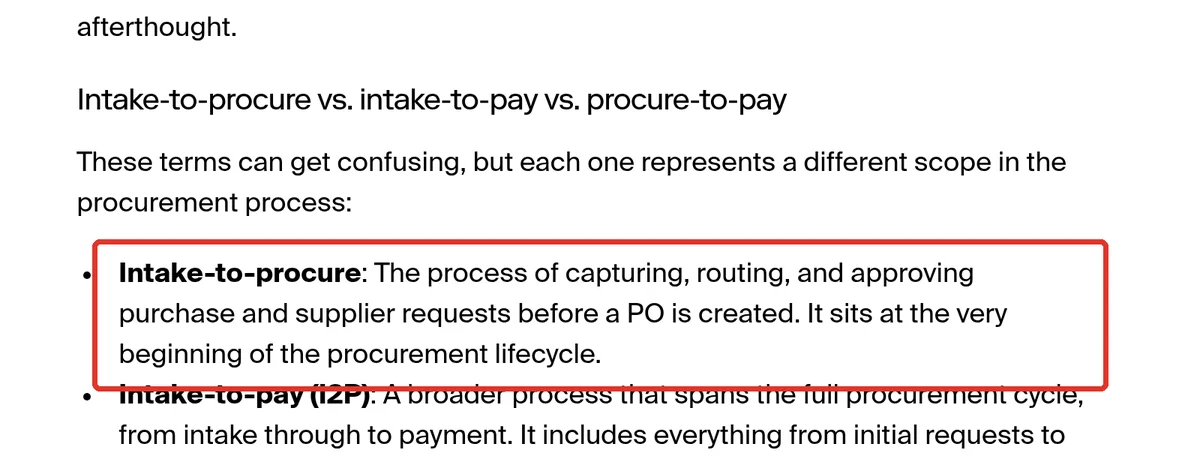
That wording comes from Zip’s own definition, which places intake-to-procure “at the very beginning of the procurement lifecycle.” Zip sells intake-to-procure software, so read it as a vendor definition. In practice, the line it draws, everything before the PO, is the one most buyers and vendors now use.
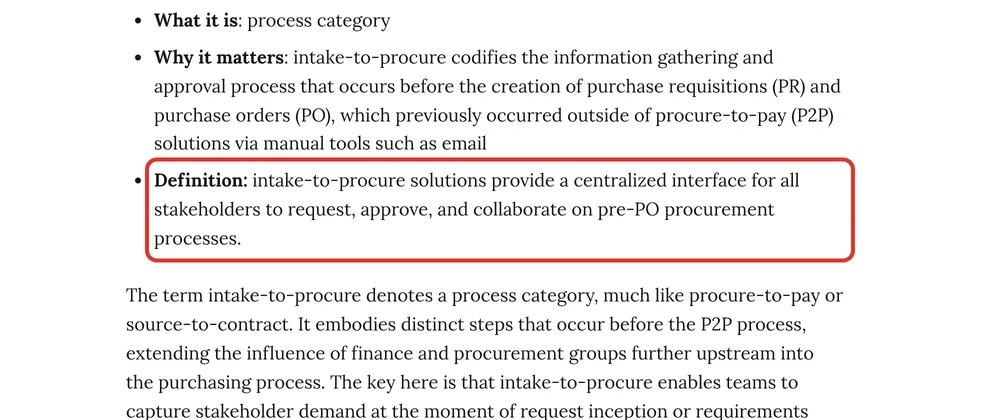
Analysts use a related market name. A 2023 Zip research newsletter quotes Gartner’s 2022 definition of intake management: a single contact point to request procurement support, routed to the right application or person, with request status tracked. Intake-to-procure is the process, and intake management is the software category that runs it. Our intake-to-procure software guide compares how vendors build that category.
Suite, module or point tool: where should intake live?
Intake can live in a separate orchestration layer, inside a procurement suite, or inside the purchasing or spend tool you already run. The right home depends on where requests stall today. For most mid-market teams, intake switched on inside the purchasing tool is the cheapest first step.
| Where requests stall today | Where intake should live | The line item to watch |
|---|---|---|
| Before anyone agrees to buy: legal, IT and security reviews run over email | An orchestration layer such as Zip, Omnea or ORO Labs | Connectors to your ERP, P2P and contract tools |
| After approval: POs, receipts and invoices are manual | A procure-to-pay tool, with intake as a later add-on | Whether invoice matching and payments are in the base plan |
| Both, and you already run a suite | The intake your suite vendor sells or partners for | Whether intake is a new contract line |
| Both, and finance runs purchasing on the side | A spend platform or purchasing tool with intake built in | Which plan includes intake |
How is intake-to-procure different from procure-to-pay?
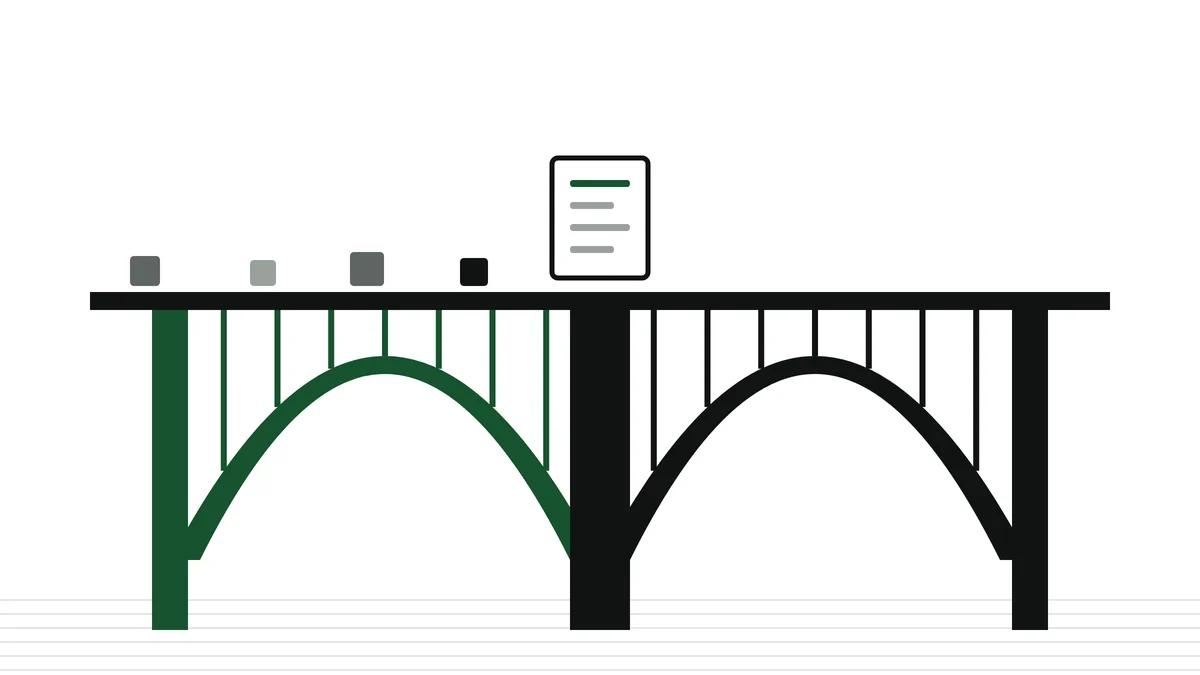
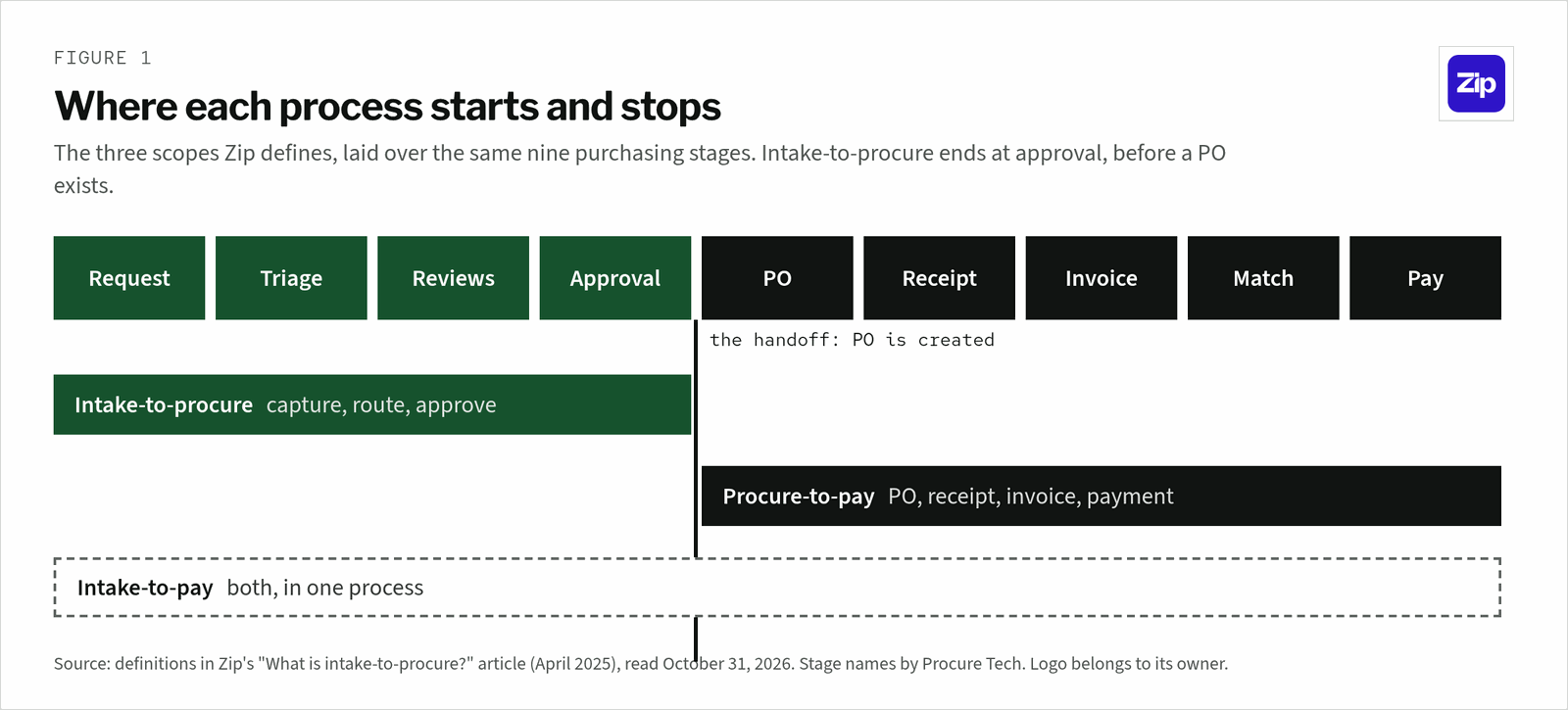
Intake-to-procure ends when a request is approved. Procure-to-pay starts there: it issues the purchase order, records the receipt, matches the invoice and pays the supplier. The two meet at the PO. Intake-to-procure decides whether and from whom to buy, and procure-to-pay executes the purchase and the payment.
| Intake-to-procure | Procure-to-pay | |
|---|---|---|
| Starts with | A need, often in plain language | An approved requisition |
| Ends with | An approved request, ready for a PO | A paid, matched invoice |
| Main users | Every employee who buys, plus reviewers | Procurement, receiving and accounts payable |
| Who reviews | Security, legal, IT, finance and budget owners | Approvers set by spend rules, then AP |
| Key records | Request, supplier details, review decisions | PO, goods receipt, invoice, payment |
| Where it runs | An intake layer, suite or purchasing tool | A P2P suite, purchasing tool or ERP |
Gartner’s procure-to-pay definition, reproduced by the Sourcing Industry Group, starts with “goods and services requisitioning” and ends with “ready-to-pay files” for accounts payable. Requisitioning sits inside P2P, so the two overlap at the request. Intake-to-procure covers the reviews and collaboration that happen before a requisition is final.
What are the steps in an intake-to-procure process?
A typical intake-to-procure process has five steps: capture the request, triage it with follow-up questions, route it to reviewers, approve it, and hand it to the system that raises the PO. Each step replaces an email thread or a hallway question. The deciding question is which steps run on rules and which still need a person.
- Capture: one front door for purchases, renewals, contracts and new suppliers, through a form, chat or email.
- Triage: questions that change with the request type, such as supplier name, scope, budget and timeline.
- Review: security, legal, IT and finance each get their part, in parallel or in order.
- Approve: sign-off by threshold, for example an extra approver above a set dollar amount.
- Hand off: the approved request flows to the ERP or P2P system as a requisition or PO, without retyping.
Zip’s newsletter argues that a mature intake-to-procure tool also collects transaction details at intake, such as PO line items and the payment method. For qualifying tail spend, it can route the purchase straight to a payment method such as a virtual card. That is where intake starts to reach into procure-to-pay.
Who uses intake-to-procure, and what does each team get?
Everyone who buys uses intake-to-procure, which is the main difference from procure-to-pay. Requesters get one place to ask. Procurement, finance, IT, security and legal each get an earlier look at the request, before money or data is committed. In practice, adoption by requesters decides whether the process works.
| Team | What it gets from intake | Before intake |
|---|---|---|
| Requesters | One place to start any request and see its status | Asking around for the right form or person |
| Procurement | Earlier say in which supplier and what price | Hearing about a purchase at the PO or invoice |
| Finance | Requests matched to budgets before commitment | Budget surprises after the contract is signed |
| IT and security | Review of new software before it is bought | Finding new tools after they are in use |
| Legal | Contracts flagged at the request stage | Last-minute reviews that hold up signature |
Zip’s own survey of 1,056 US finance and accounting professionals, cited in the same article, found that nearly half of businesses need six or more cross-functional approvals for a new software or supplier purchase. 32% said approval takes three weeks or longer. That is the delay intake-to-procure targets.
Why did intake-to-procure become its own category?
Intake-to-procure became its own category because procure-to-pay tools were built for procurement users, and other employees rarely adopted them for software and services. Requests moved to email and chat, and reviews ran outside any system. Intake tools put a simpler front end in front of the PO.
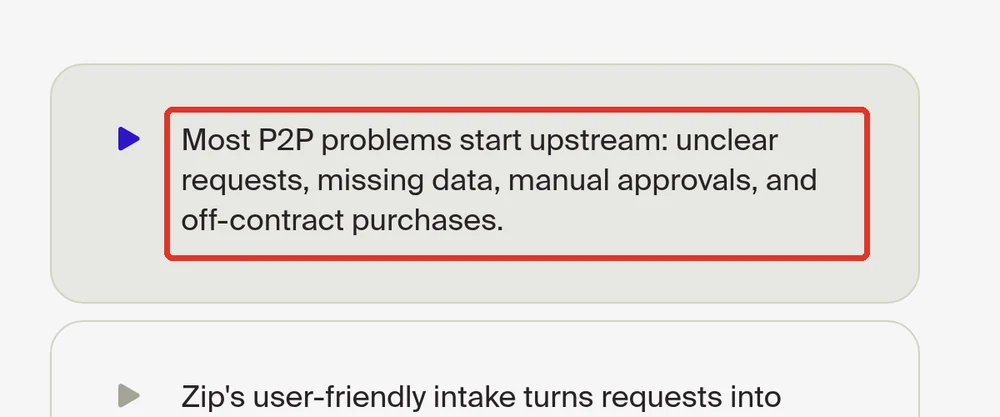
The Zip newsletter names the barriers: poor data foundations, weak adoption by non-procurement users, “especially for non-catalog-friendly categories like software and services,” and reliance on email, Slack and phone. Zip’s procure-to-pay page makes the same point in one line: “Most P2P problems start upstream.”
What is intake-to-pay, and where does orchestration fit?
Intake-to-pay is the full cycle in one process: the request and reviews of intake-to-procure, then the PO, invoice and payment of procure-to-pay. Procurement orchestration is wider again. Zip describes it as a strategy for managing the entire procurement process from intake to pay, powered by AI agents.
The terms blur because vendors keep moving their edges. Zip sells both an Intake-to-Procure product and a Procure-to-Pay product, and its intake vs orchestration article calls intake the “single front door” and orchestration the end-to-end strategy. For how full suites cover the same ground, see our source-to-pay suites ranking.
Which tools cover intake-to-procure, procure-to-pay or both?
Some tools cover only intake and hand off to your ERP, some cover only procure-to-pay, and a growing group covers both. On the pages we read, Zip, Ramp and Precoro list every stage from intake to payment, Omnea and ORO Labs focus on intake, and Procurify sells intake as an add-on.
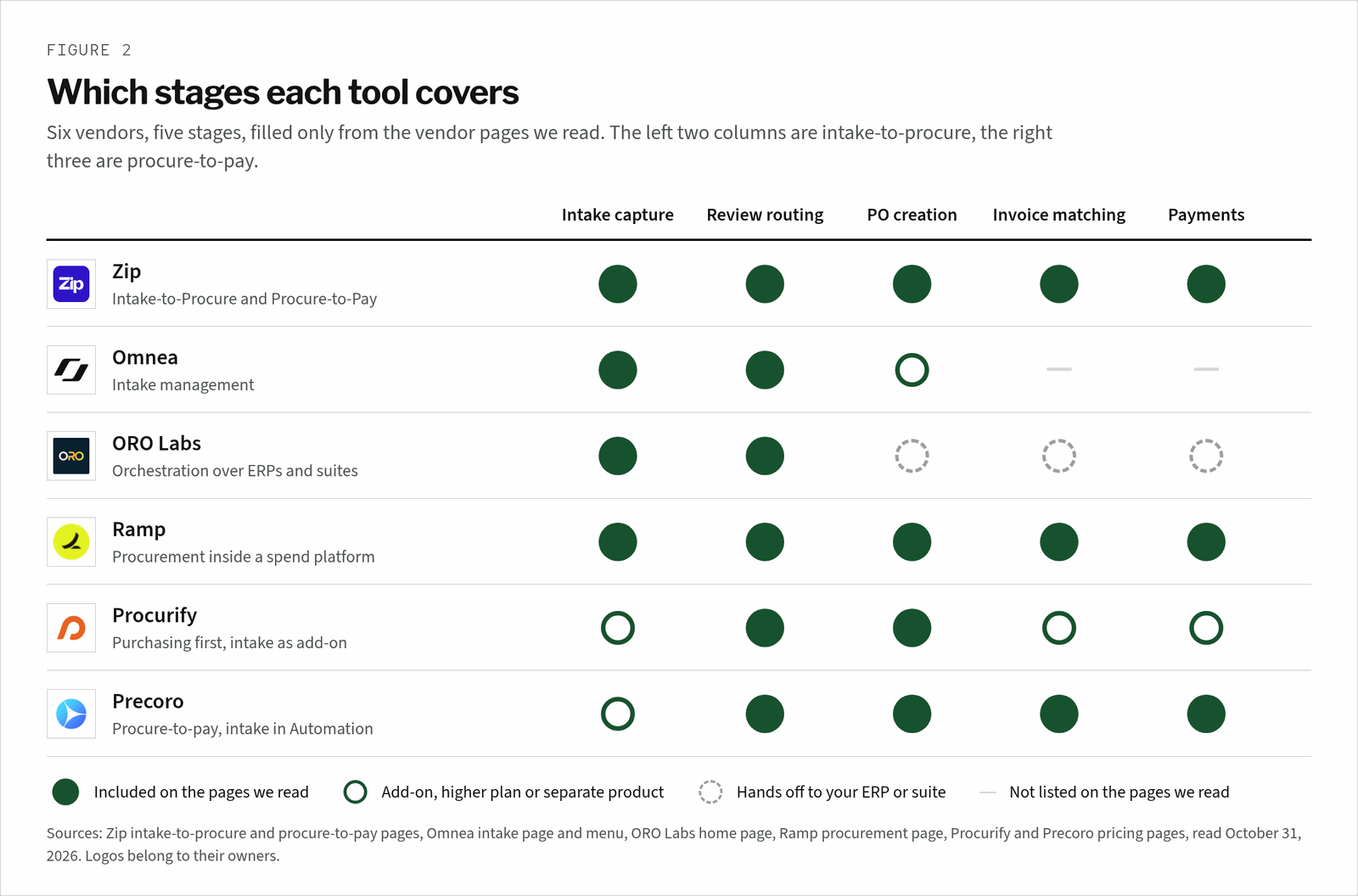
| Vendor | Intake on the pages we read | Procure-to-pay on the pages we read |
|---|---|---|
| Zip | Plain-language requests turned into completed forms and routed for approval | POs, invoice coding, exception handling and payments on 79+ rails |
| Omnea | Messages, forms, uploads and URLs, with questions that change with risk and spend | PO Automation listed as a product in its menu |
| ORO Labs | Intake management that guides employees into the right process | “Orchestrate existing ERPs, suites, and point solutions” |
| Ramp | AI Intake, free for all Ramp customers | POs, 2 and 3 way matching, sync to QuickBooks Online and NetSuite |
| Procurify | Guided Intake, sold as an add-on | Purchasing in every plan; AP and Expense and Card as products |
| Precoro | Intake management in the Automation plan, from $999 a month | PRs, POs, receipts, invoices and matching in Core, from $499 a month |
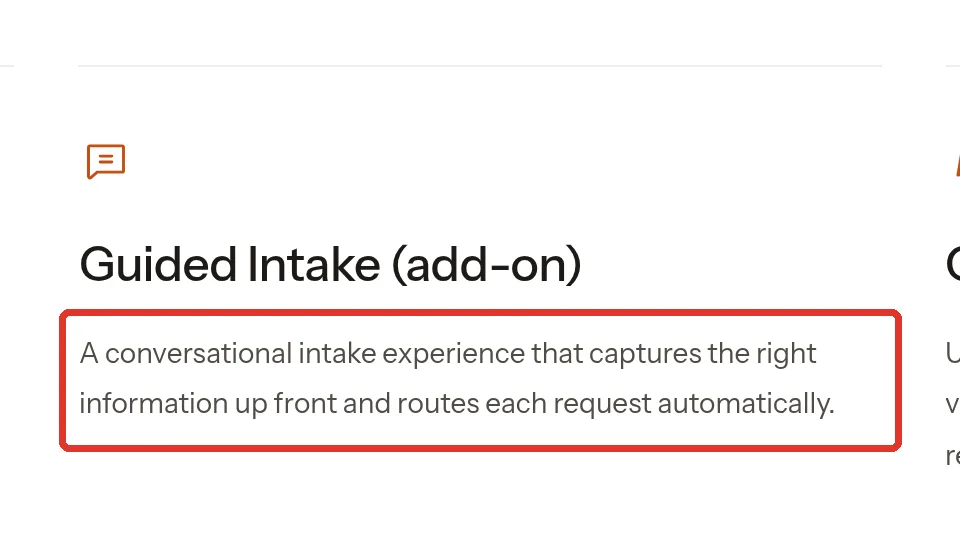
The line item to watch is where intake sits in the price. Ramp includes AI Intake for all customers and sells advanced purchasing as an add-on to Ramp Plus. Procurify and Precoro put intake in an add-on or a higher plan. For full rankings, see our procure-to-pay software ranking and best procurement software list.
When your ERP’s own module is enough
Your ERP’s own purchasing module is enough when a few buyers raise every order, most purchases are catalog goods and one approver signs off. Intake-to-procure earns its place when software and services requests need legal, security and IT review. For the wider stack, see our procurement software guide.
Do you need intake-to-procure, procure-to-pay or both?
Start with the half that is broken. If requests stall in reviews before anyone agrees to buy, you need intake-to-procure. If approved purchases turn into manual POs and unmatched invoices, you need procure-to-pay. If both hurt, an intake-to-pay tool or a suite with intake is worth a quote.
The verdict
- Choose intake-to-procure first if software, services and new suppliers wait weeks for security, legal and finance sign-off.
- Choose procure-to-pay first if approvals are fine but POs, receipts and invoice matching run on spreadsheets.
- Choose an intake-to-pay tool if you want one system and one vendor from request to payment.
- Stay on your ERP’s module if a few buyers place every order and approvals rarely vary.
Agents are now part of both halves, from intake validation to invoice coding. Our AI procurement software ranking compares them across vendors.
Frequently asked questions
What does intake-to-procure mean?
Intake-to-procure means the process of capturing, routing and approving purchase and supplier requests before a purchase order is created. It covers the request form or chat, follow-up questions, reviews by security, legal and finance, and final approval. Zip, which sells this software, places it at the very beginning of the procurement lifecycle.
What is the difference between ITP and P2P?
ITP, or intake-to-procure, handles the request and its approvals. P2P, or procure-to-pay, handles what follows: the purchase order, goods receipt, invoice matching and payment. The handoff is the PO. ITP is used by every employee who buys, while P2P is used mainly by procurement, receiving and accounts payable.
Is intake-to-procure the same as intake management?
They are close. Intake-to-procure names the process before the PO, and intake management is the market name Gartner uses for software that gives employees one contact point for procurement requests and tracks their status. In practice, vendors use both terms for the same products, so ask each one where its product stops.
What is intake-to-pay?
Intake-to-pay is the full purchasing cycle in one process, from the first request through the purchase order, invoice and payment. It joins intake-to-procure and procure-to-pay. Zip sells both halves, and Ramp and Precoro list intake, POs, matching and payments on their own pages, so several tools now cover intake-to-pay.
Do you need intake-to-procure software if you have a P2P system?
You need it when requests stall before they reach your P2P system, usually for software and services that need security and legal review. If requests already arrive complete and approvals are simple, your P2P or ERP requisition flow is enough. Several purchasing tools sell intake as an add-on, so check that first. Our intake-to-procure software guide shows which tools own that layer.
Who owns intake-to-procure in a company?
Procurement usually owns the intake process and its rules, with finance often sponsoring it. Security, legal, IT and budget owners each own a review step, and requesters own the details of their request. The tool works when every reviewer works inside it, so agree who owns each step before rollout.